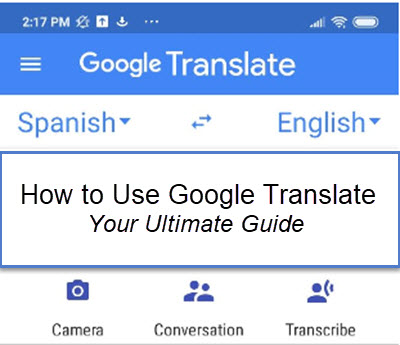
In this post, I’m going to show you how to use Google Translate on your computer and the Google Translate app on your phone and tablet.
Want to have live conversations with someone in another language? How about translate a menu just by pointing your phone at it? Or even transcribe (in real time) a live presentation that is happening in another language.
In this Gmail Outlook article, we are going to take a look at How To Use Outlook With Gmail.
When it comes to this topic, people want to know two things: First, people want to know how to view their Gmail within their Outlook interface. Second, people want to know how to do just the reverse: View their Outlook mail within Gmail.
This article addresses the first method: Viewing your Gmail account within Outlook using the IMAP protocol.
In this article we will take a look at how to enable IMAP in Gmail.
The process just takes a couple of minutes and enables you to use your favorite email client, like Outlook, with Gmail.
Most of us have several email addresses. We have our work email addresses and our personal email addresses. For example, you may have the address jdoe@yourcompany.com for work email use and you probably have a hotmail or Gmail account for personal use.
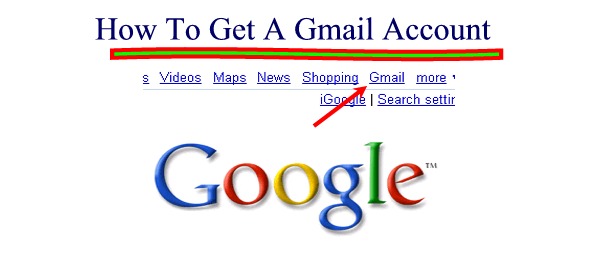
In this article, we will walk you through how to get a Gmail account, one of the best free mail platforms available. After reading this article, you will learn how to open a Gmail account in just a few moments.
This article is part of our ever-expanding How To Google series which looks at all the of the cool things that you can do with Google like How To Download YouTube Videos to your computer.
There will be times when you want to know how to delete your Google search history.
Often, people want to know how to erase Google history so others can not see where they have been. This page will teach you how to delete your Google search history so your activities will not be exposed.
This page is part of our How To Google Series, which presents various how-to articles and videos that are all Google related. The most popular page right now is How to Make Money with AdSense, Google’s advertising engine.
But, let’s get back to the questions at hand. You want to know how to delete Google search history.
Well, let’s have a look at the various places that people could sneak a peak at your Internet History by bringing up a browser window.
Delete Internet History From the Browser Address Bar
Ok, the first and most obvious place that these sneaky villains will check is your address bar.
When you hit the drop down box next to the address bar, these snoops can see all the latest web sites that you have visited.
Thus, you will want to delete this.
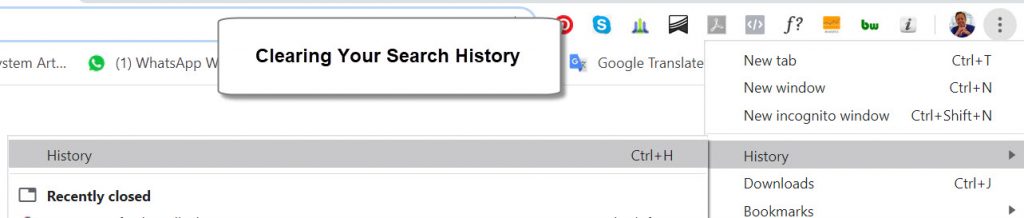
In Chrome, you can follow these steps, or view the how to clear your search history video below, or view the image below that:
How To Clear Broswer History in Google Chrome
This video demonstrates how we can clear browser history with Google Chrome Browser.
Delete Internet History From the Google Search Box
Many people do not know that their past Internet searches also show up in the Google Search Box we see below:
The Google Search Box has evolved over the years and now contains suggestions from your past searches and from a tool called Google Suggest, which will attempt to figure out what you are searching for.
If you would like to turn off Google Suggest, you can do so in your Google Preferences. However, Google Suggest does not display your past searches.
This information is stored within your browser and this is the information that these sneaky folks want to obtain.
To delete your personal information from the search box–i.e. your past searches, follow the instruction in this post.
Also, here is a very good instructional video on clearing your browser Internet data:
How to Clear Chrome Browser History and Cookies on Computer
Learn how to delete your Chrome browsing history in this step-by-step video tutorial.
How To Delete Google Search History: Summary
On this page, we have looked in depth at How to Erase Google History.
In the age of the Internet era, it can be very important to conceal your Internet activities for various reasons.
To me, the basic right of privacy is important and I do not want others to have access to my information. However, it could be a vengeful spouse in a divorce case or snoopy cousin who wants to see your finances.
Remember too that knowing how to delete Google search history is not the only thing that you need to know how to do. Yes, this will deter the novice snoopers. However, your data exists in many other places so be sure that you also know how to delete your Internet cookies and directories that contain sensitive data.
By these Google How To Steps and learning how to erase your Google history, you have done the work to dissuade most would-be snoopers. Congratulations!!!
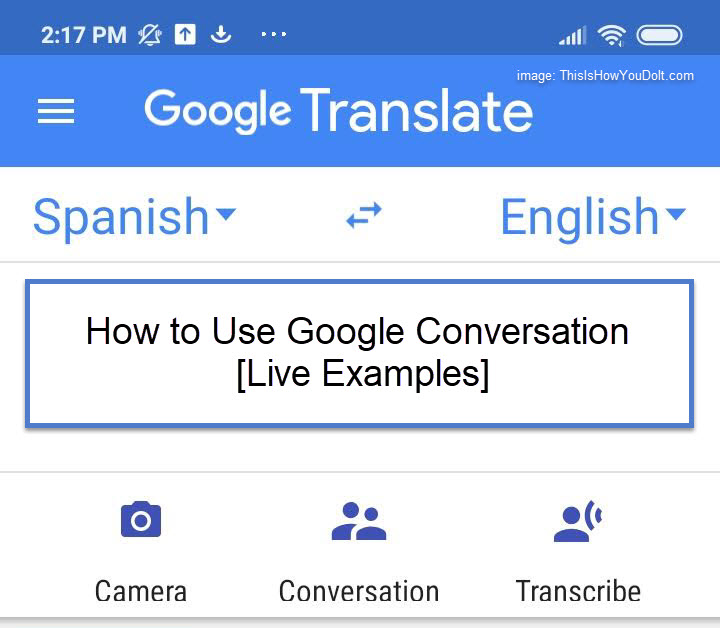
I am going to show you how to use Google Conversation with a live example between someone who only speaks English conversing in real time with someone who only speaks Spanish.
What is Google Conversation?
As we mentioned in our Google Translate How-To-Guide, Google Conversation is a feature of the Google Translate app which allows you to have live conversations with people who do not speak your language.
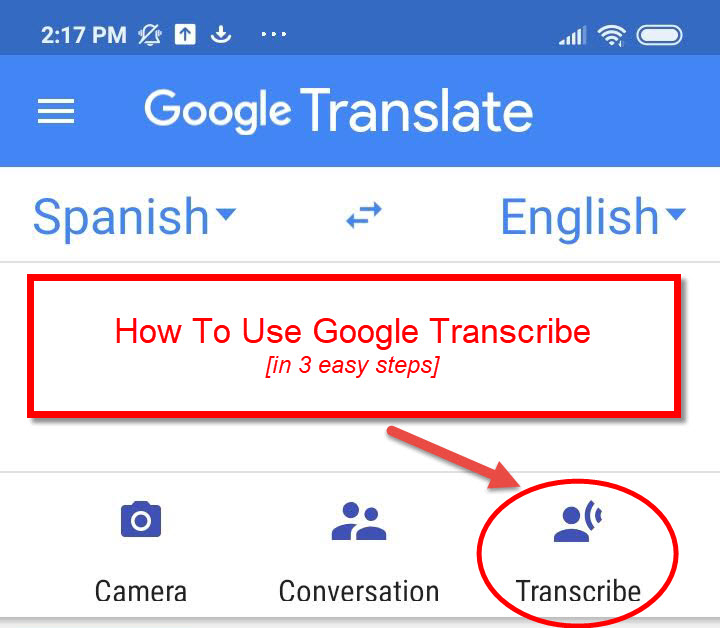
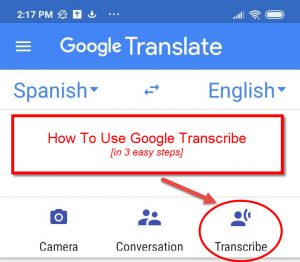
Google Transcribe is a new feature of the Google Translate app and, in this post, we’re going to show you how to use Google Transcribe quickly and easily.
As part of our ultimate guide to Google Translate, we introduced this cool new tool that enables real time transcriptions to your language from people who are speaking in another language.
This is the best page that you will find on How to Make Money With Google AdSense. Here, we will present to you the best Google AdSense Tips and Strategies so that you can finally, once and for all, learn how to make money with AdSense.
This article is written for both those who are new to the AdSense world and want to discover how to make money with AdSense and for those who have implemented AdSense on their blogs or websites but are not making any money from Google AdSense.
It´s asked time and again: ¨How Do I Save YouTube Videos On My Computer?¨ In this article, we will walk you through how to download YouTube videos in MP4 format to your computer so that you can have them stored locally on your hard drive.
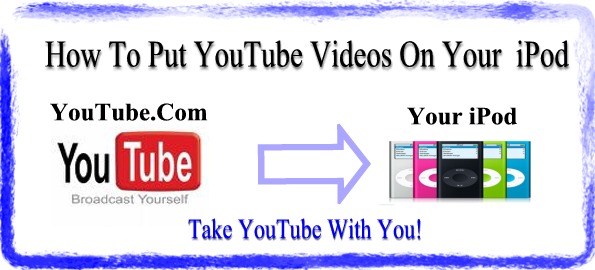
Many people ask, “How Do I Get YouTube Videos On My iPod?”. It’s actually pretty easy to put YouTube videos on your iPod and, in this article, we are going to show you how to do it!
There are so many great YouTube videos that many people want to know how they can take these YouTube.com videos with them on the go. Visiting one of the Top Ten Search Engines–probably Google–they ask, “how do i put YouTube videos on my iPod?”
And we have the answer for you. So now, when you want your favorite YouTube video with you on your iPod, it will be no problem.

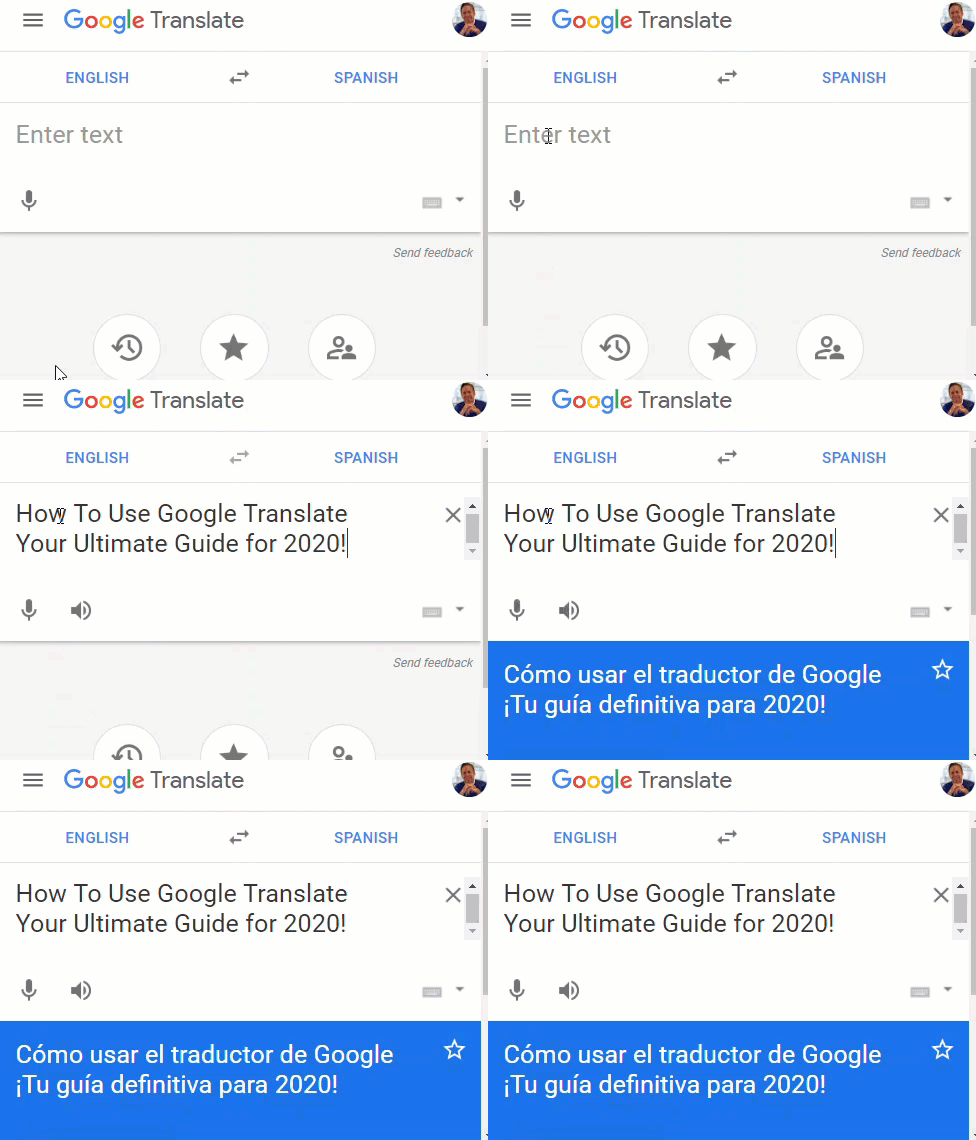 In this post, I’m going to show you how to use Google Translate on your computer and the Google Translate app on your phone and tablet.